KYC Verification
This document outlines the Know Your Customer (KYC) verification process, which is essential for ensuring the security and compliance of your account on the AI Innovation Platform (AIIP). When you initiate the KYC process, you will be securely redirected to Stripe's verification page to complete the necessary steps. This guide will walk you through each stage, from agreeing to the terms to the final confirmation and access to your tenant dashboard.
Complete KYC Verification and Payment via Stripe
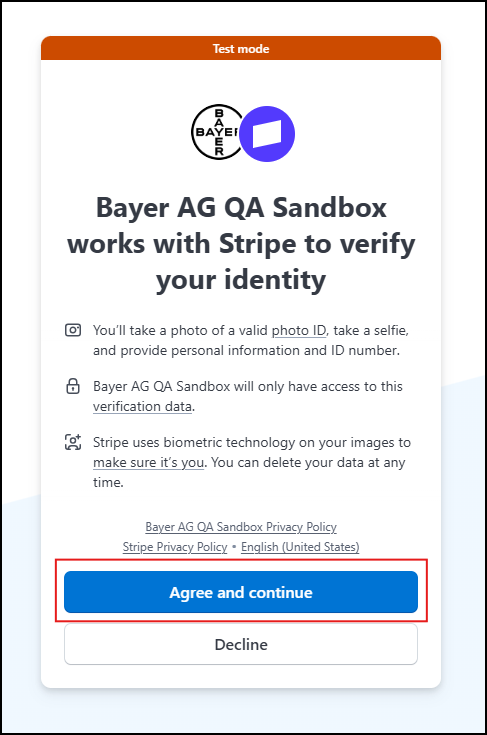
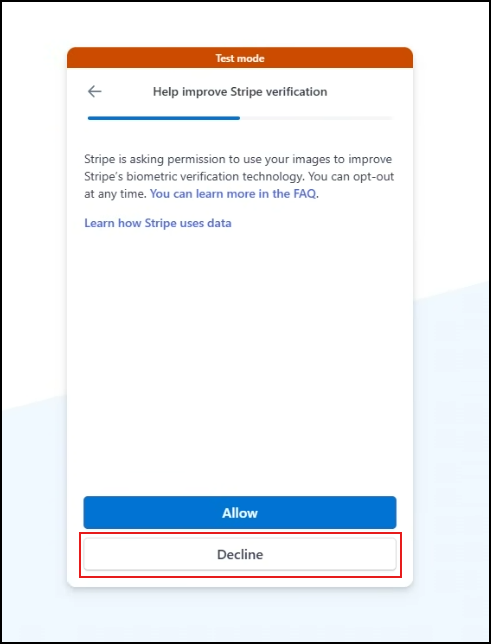
When you're redirected from the AIIP to Stripe's secure verification page, you see two choices:
- You can agree and continue with the identity verification process.
- Or, you can decline and go back to the AIIP. (You should know that declining might mean you can't use some features.)
Device Selection
-
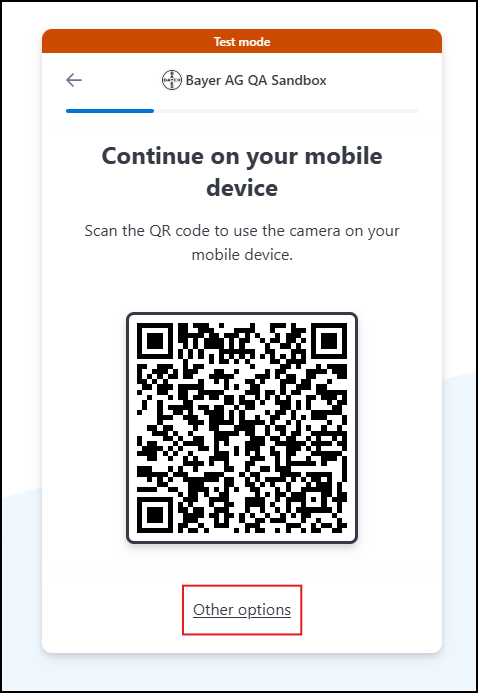
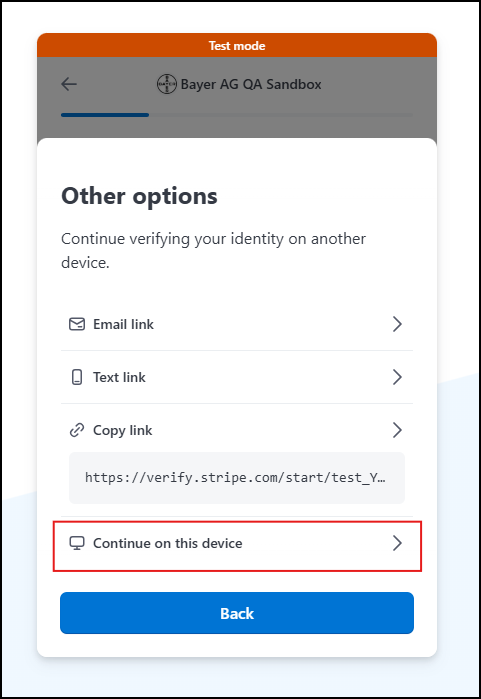
After agreeing to proceed, the user is prompted to choose how to complete the verification.
-
The user can select one of the following options to proceed with verification, or choose to go Back to the previous screen:
- Continue on your mobile device by scanning a QR code.
- Receive a link via email to complete verification later.
- Receive a link via text message to complete verification later.
- Continue on this device to proceed with verification immediately.
ID Verification Introduction
-
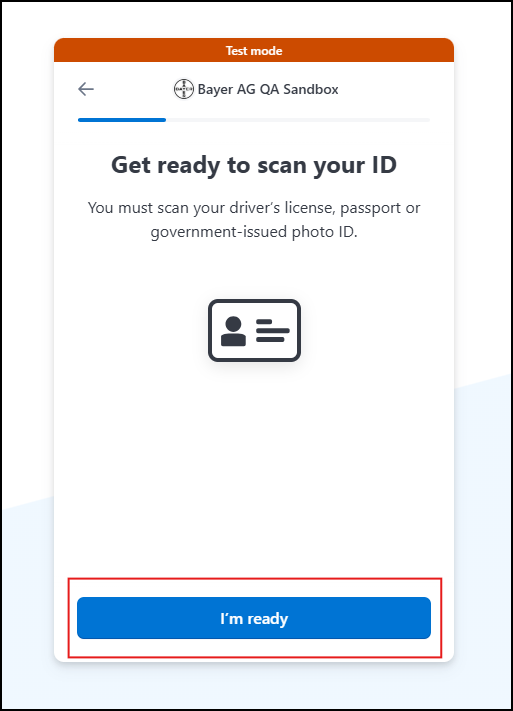
Stripe informs the user that a government-issued photo ID will be required.
-
The user can confirm readiness by selecting I'm ready.
Scanning the Front of the ID
-
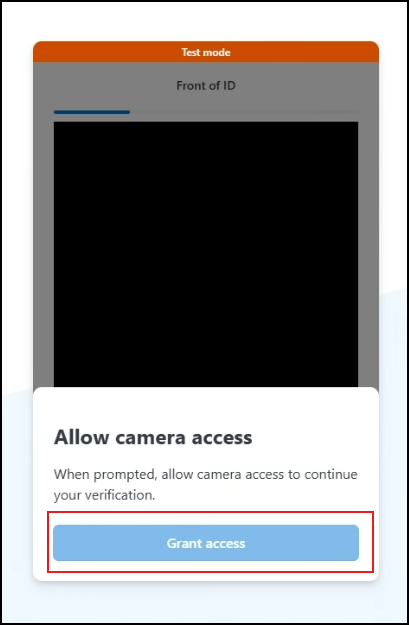
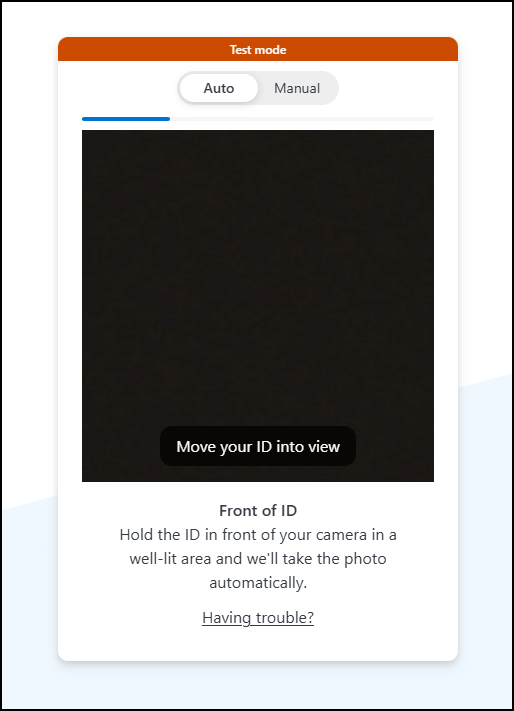
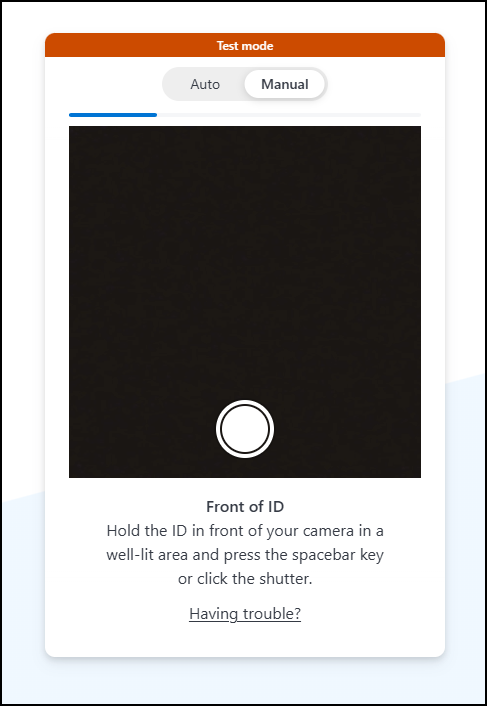
The user is asked to hold the front of their ID within the frame shown on screen.
-
Depending on the device, the scan may occur automatically or require manual capture.
-
The user is advised to:
- Use a well-lit area.
- Have their ID ready.
Scanning the Back of the ID
-
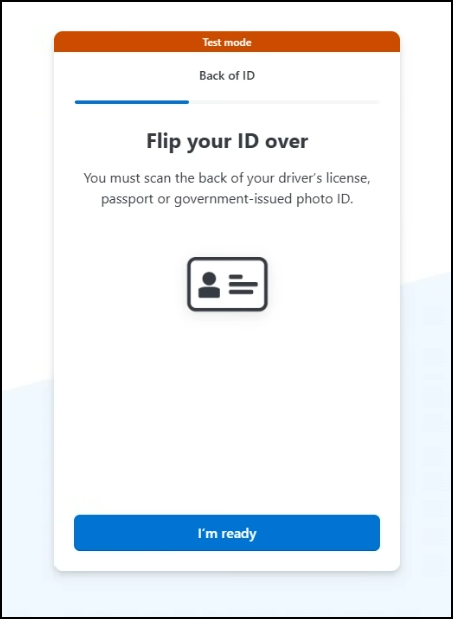
The user is prompted to flip the ID and hold the back side in view.
-
The user can confirm readiness by selecting I'm ready.
Camera Access Consent
-
Stripe requests access to the user's camera to proceed with selfie verification.
-
The user has the option to allow camera access to continue.
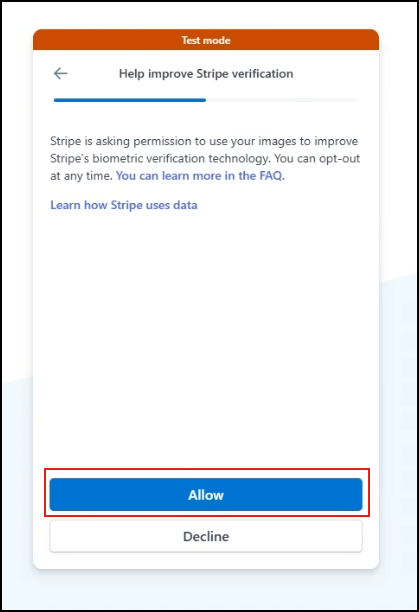
Stripe asks for your permission to use your image to improve biometric technology.
-
Tap Allow to help enhance facial recognition accuracy and security.
-
Tap Decline to proceed without sharing your image for biometric improvement. This choice won't affect your ability to complete verification.
Selfie Verification
-
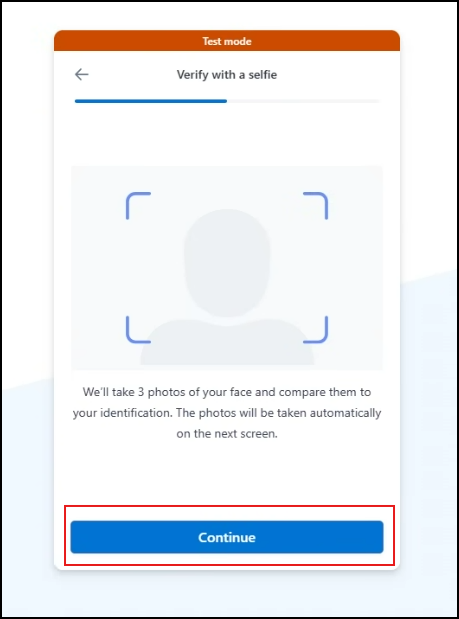
The user is asked to take a selfie to confirm their identity.
-
Instructions are provided to:
- Face the camera directly.
-
Once ready, the user can proceed with the selfie capture.
Personal Information Entry
-
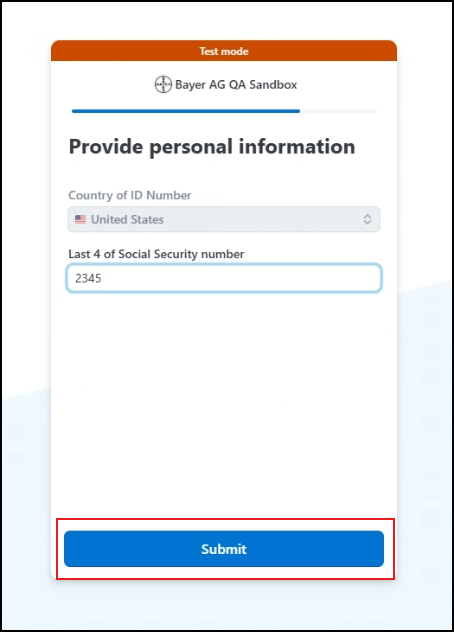
The user is prompted to enter personal details, including:
- The last 4 digits of their Social Security Number (SSN).
-
The user can submit this information securely to Stripe.
Verification Completion
-
Once the identity is verified, the user sees a confirmation message.
-
The user is automatically redirected back to the AIIP.
-
If the redirect fails, the user has the option to return manually.
Supported Documents for Stripe KYC
Stripe accepts the following types of government-issued photo IDs:
| Document Type | Requirements |
|---|---|
| Passport | Must be valid and not expired |
| Driver's License | Front and back required |
| National ID Card | Must include photo, full name, and date of birth |
| Residence Permit | Accepted in some countries |
| Other Local IDs | Based on country-specific regulations |
Documents must be clear, undamaged, and fully visible. Blurry or expired IDs may be rejected.
Confirmation and Dashboard Access
- Once your KYC verification and payment are successfully processed through Stripe, you will be automatically redirected back to the AI Innovation Platform.
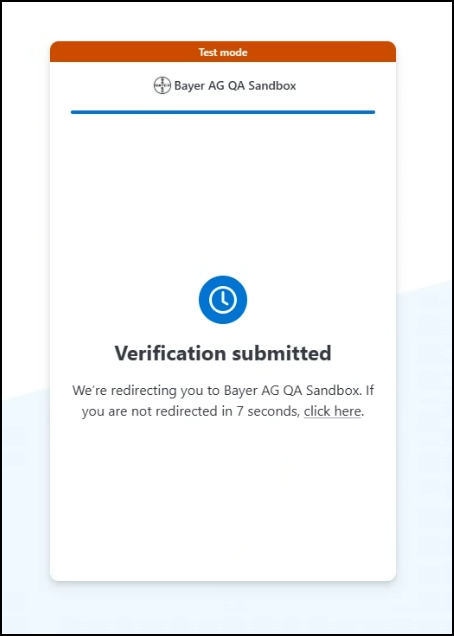
- You will then be able to see the KYC verified status for your tenant on your tenant dashboard.
Maximize Your Platform Benefits
With your account verified, you now have unrestricted access to the AI Innovation Platform's comprehensive features. This includes:
- Leverage ready-made components, advanced tools, and dedicated environments to speed up your projects.
- Publish and monetize your own models and services on the Marketplace, reaching a global audience.
- Benefit from built-in security and compliance frameworks tailored for SaMD development, meeting industry standards.
- Utilize integrated cost tracking and budget management tools to monitor and control your development expenses.
- Work efficiently with a centralized hub that consolidates tools and services, enhancing team productivity.